A grid drawing tool for your own photos
I'm Dylan Eakin, and I draw photorealistic portraits. I made Photorealism because I could never find a grid app I actually liked. I've always found them spammy, confusing, and ultimately frustrating to navigate.
How it works
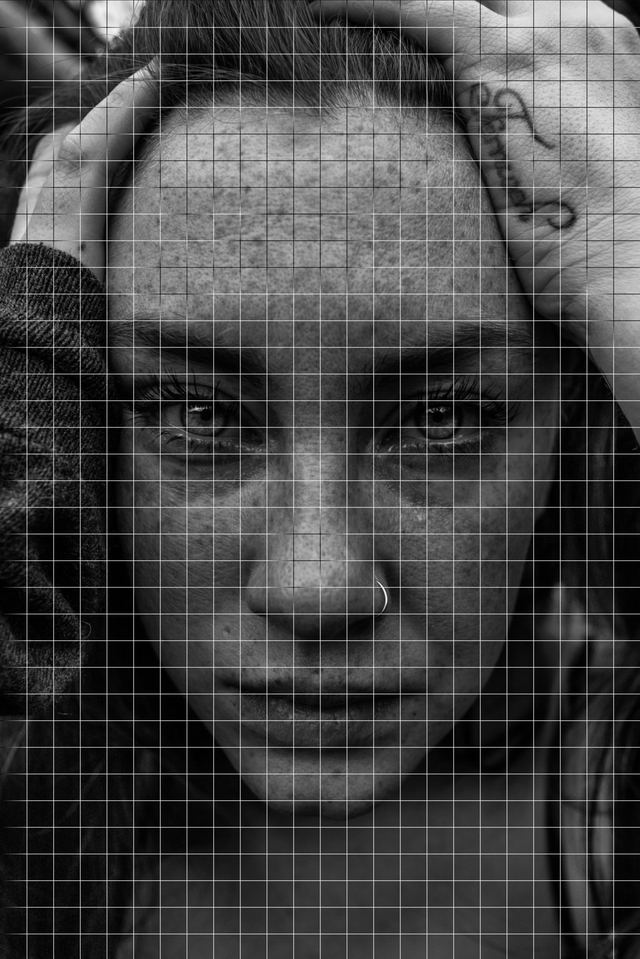
Upload any reference, or choose from the ones I've provided. The columns and rows are highlighted so you always know what's changing, and the grid is locked to a square so you'll never measure something incorrectly or make rectangles on accident. It shows you how big the finished drawing will be, so you know if it fits your sheet before you start.
Drag and pinch the photo to frame it, then hit Start. The download button saves a copy with the grid on it.
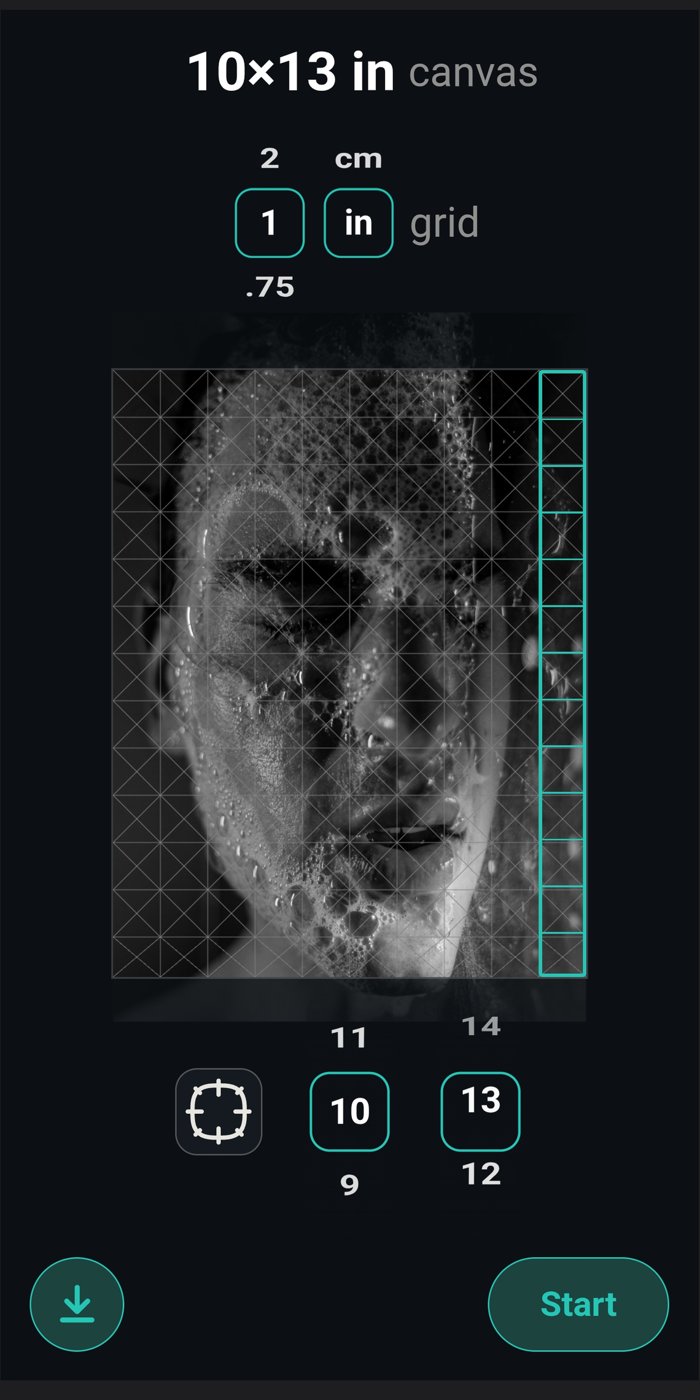
Making the grid look how you want
Choose plain squares, squares with diagonals, or just dots. Pick from 11 line colors or Auto, which draws white lines over dark areas and black over light ones. There are five line weights and a transparency slider.
Subdivide busy squares, label rows and columns so you know you're on C7 and not C8, or switch the grid off to see the photo clean.
The parts other grid apps don't have
The most useful feature of the app is the layers. Photorealism splits your photo into soft shading, darks, lights and brights, and you turn them on one at a time. More on the shading layers page.
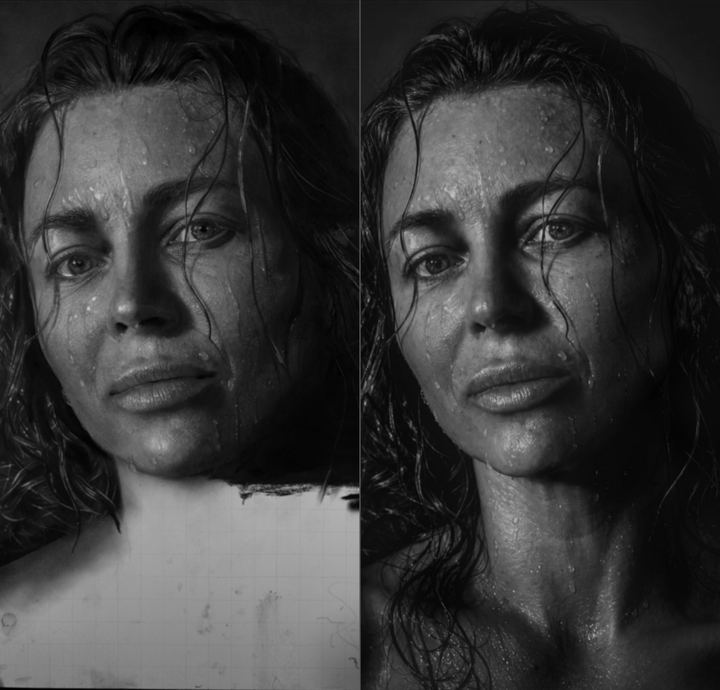
The compare view puts a photo of your drawing next to the reference, with red circles to mark anything that looks off. Mark Square keeps track of the squares you've finished.
Questions people ask
Is it free? Yes. Every tool is free, with ads you can remove. Some extra references in the shop cost money, but you can use any photo you have.
Do I need an account? No. Signing in is only for syncing your drawings between devices.
What does it run on? Any web browser at realismdrawing.com, plus Android, iPhone, iPad, Mac and Windows.