A grid maker for drawing
If your photo grid and paper grid are even a little off, the error builds up and you end up with a face that's slightly too long. So the grid maker in Photorealism starts from your paper.
Setting it up
Choose inches or centimeters, the size of one square, and how many columns and rows. The squares stay square and the app shows the total size: 1 inch squares, 10 across and 13 down, needs a 10 by 13 inch sheet. Then frame the photo.
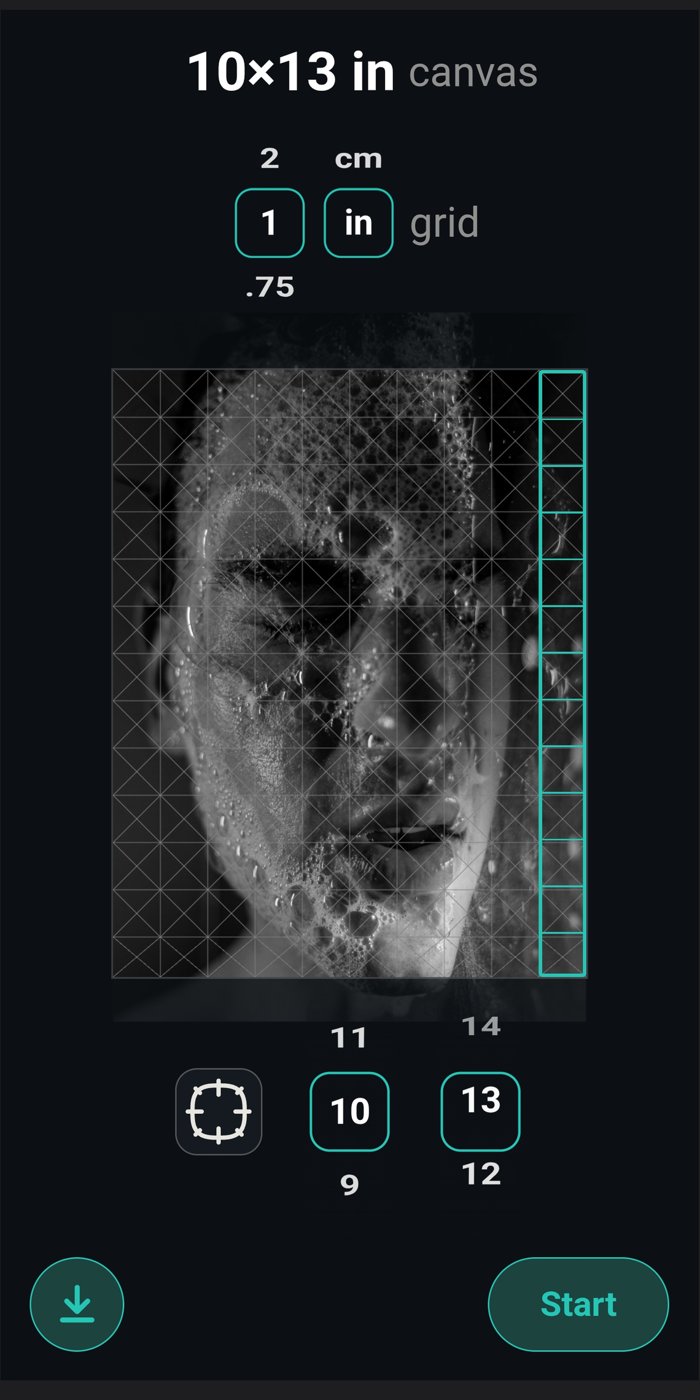
What size squares to use
Find the smallest thing that has to be right, usually the eyes and the corners of the mouth on a portrait, and pick a size where it spans at least a couple of squares. If a whole eye fits in one square, go smaller.
Smaller squares are more accurate but mean more lines to erase. Use a normal size overall and subdivide only where you need detail.
Matching the size of the real paper
Hold a real ruler against the small ruler on the home screen once. After that, zooming pauses at true size, so 1 inch on screen is 1 inch on your paper.
Questions
Can I print or save the grid? Yes, the download button on the setup screen saves the photo with the grid on it.
Can I make the drawing bigger or smaller than the photo? Yes. Same number of squares, different square size.